A fourth axis for your hot-wire machine — and the step from flat parts to 3D objects. The rotary axis turns the foam while the wire cuts, so a single drawn profile becomes a fully three-dimensional shape instead of a flat cut-out.
From a 2D profile to a 3D object
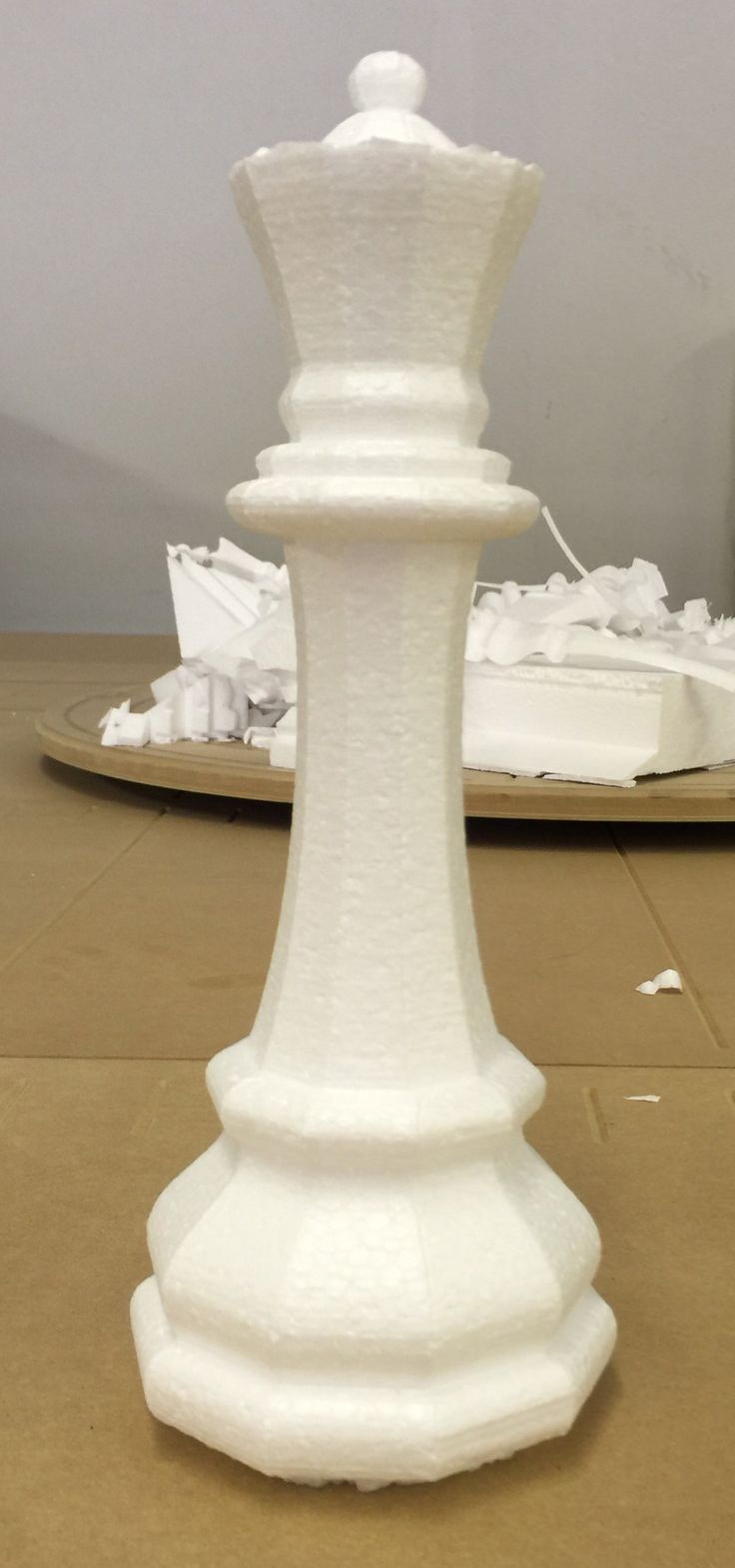
Today you draw a shape and cut it straight through the block. With a rotary axis, that same profile is swept around a centre line as the foam rotates. One profile in, a turned 3D part out — columns, balusters, spheres, domes, cones, vases, finials and spindles, all from stock you already have on the machine.
Turned shapes
Revolve a profile a full 360° for rotationally symmetric parts — columns, balusters, cones and domes.
Indexed cutting
Rotate the block to set angles between passes to build up forms that aren't perfectly round.
Twisted forms
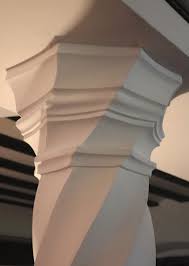
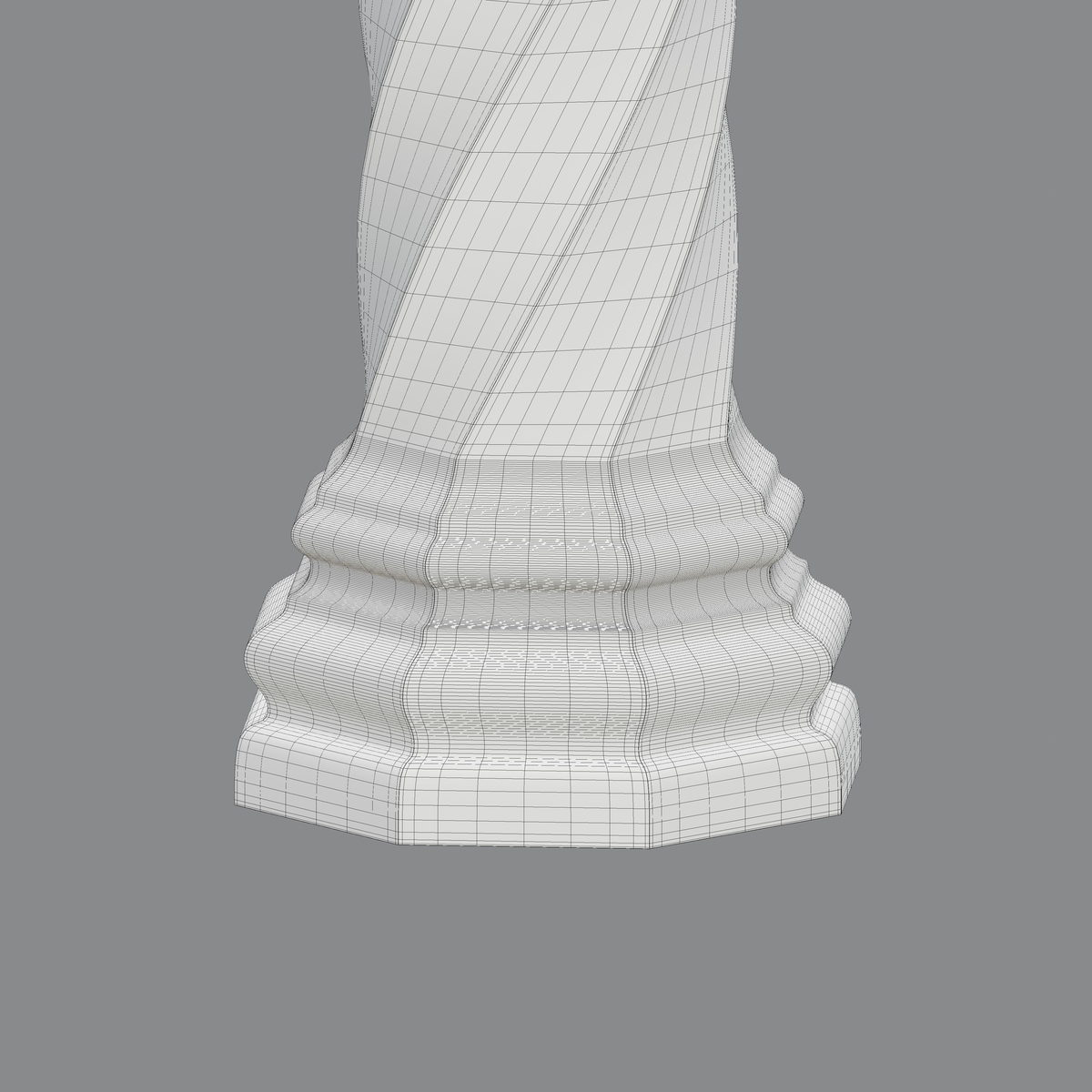
Rotate while the wire travels along the block for barley-twist columns and helical shapes.
The same workflow
Import a DXF or trace your profile exactly as you do now, then export g-code for your controller.
Examples
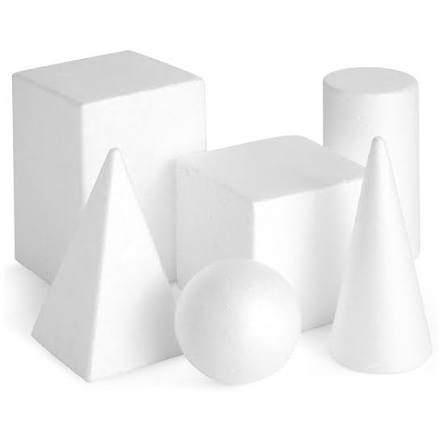
The kind of work a rotary axis opens up — from basic solids through to turned and twisted architectural pieces.
Built into the tools you already use
Rotary work is planned to sit alongside the existing tabs rather than replace them. You will still draw or import a profile the same way, still see it on the same interactive canvas, and still export through the same post-processors — with the rotary axis added as an extra output option for machines that have one fitted.
This feature is still in development. The capabilities described here are what we are building toward, and details may change before release. Supported machine configurations and controllers will be confirmed closer to launch.