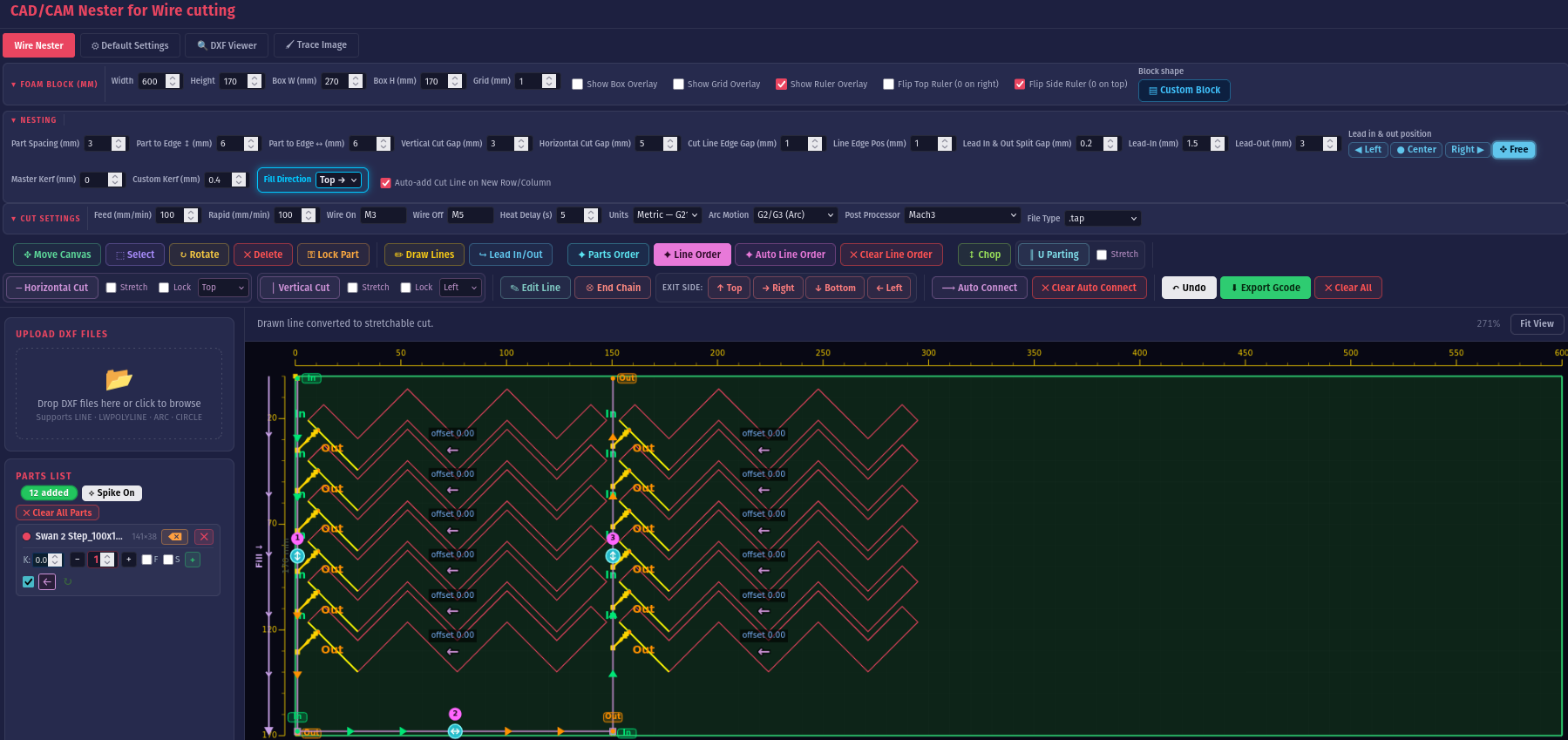
Import your DXF parts, nest them onto your foam block, control every cut line, and export clean g-code for your CNC hot-wire machine — running natively on your own computer.
Place parts with automatic part-to-part spacing, create cut paths, nest manually, auto lead-in and lead-out connections, and much more.

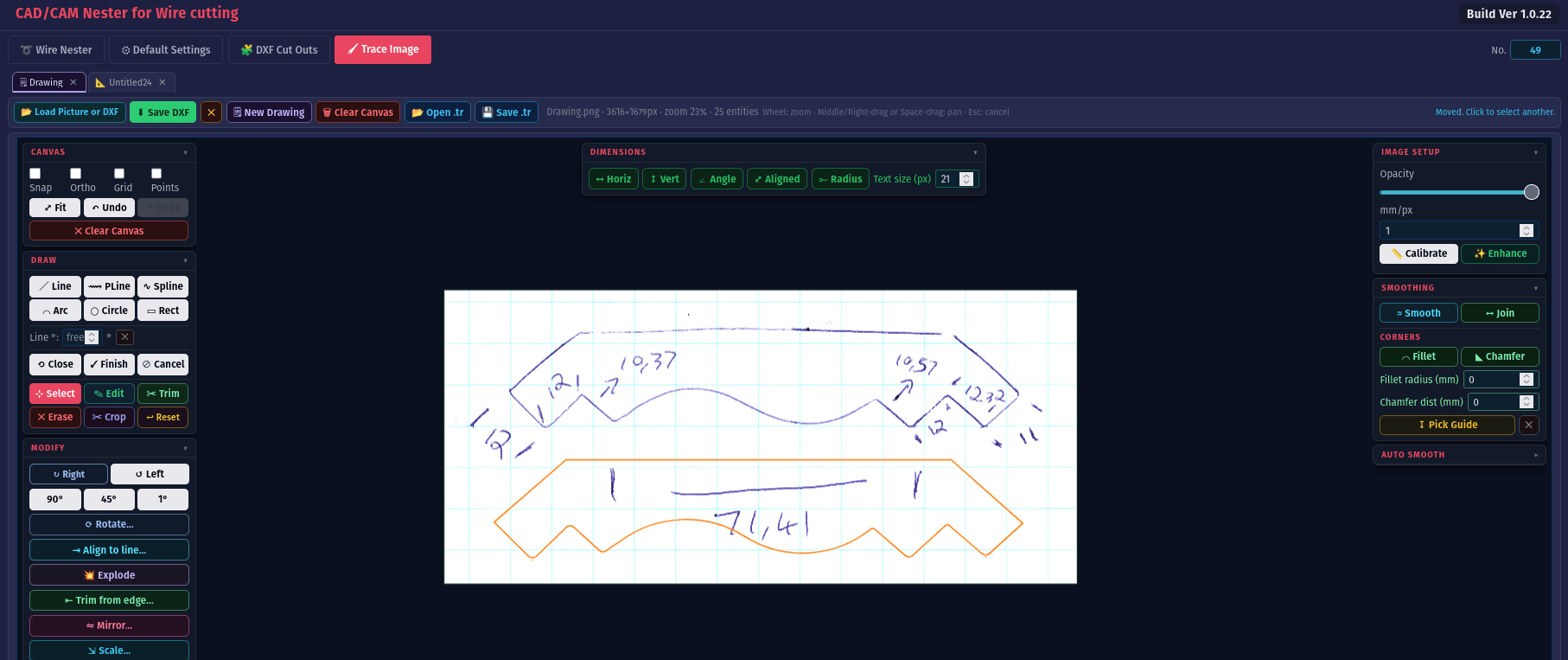
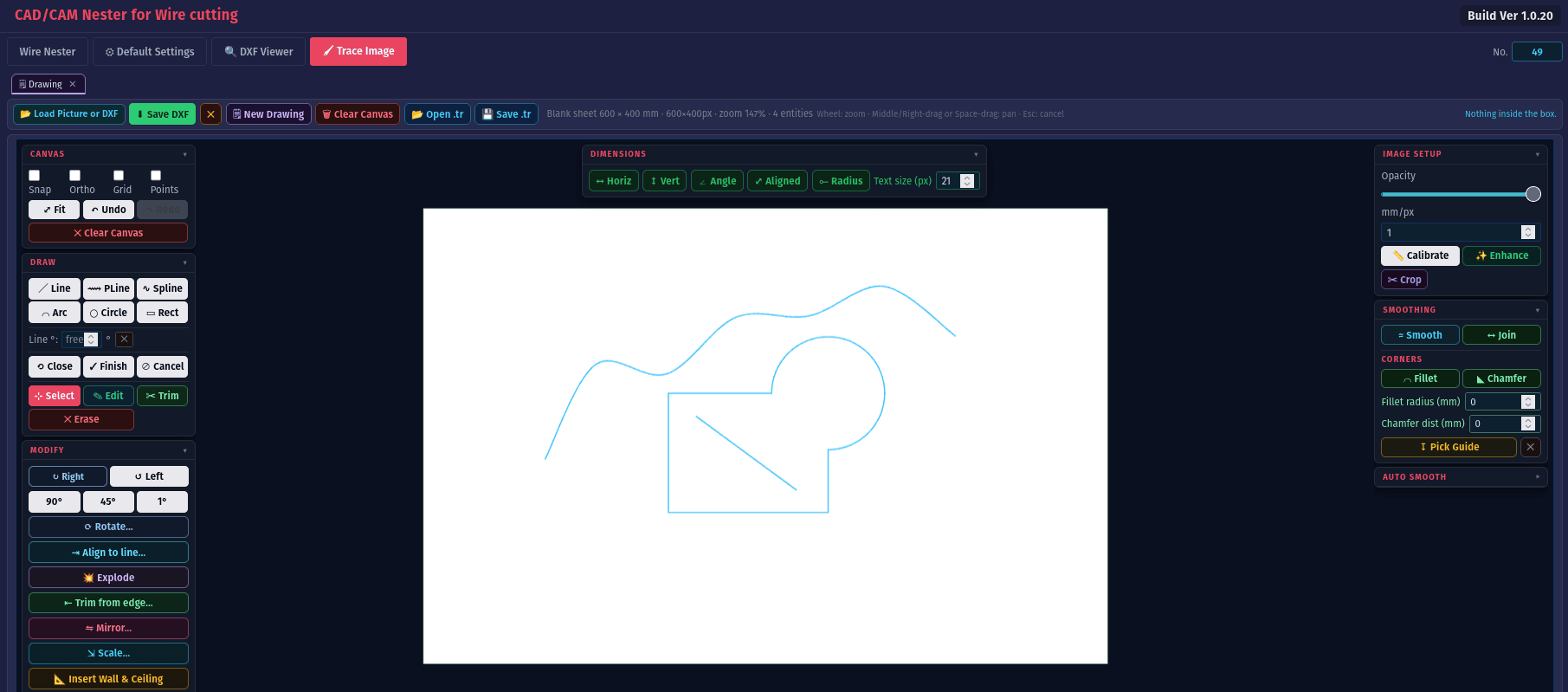
A CAD tool with image tracing, scale calibration to your drawing, and custom drawing features designed to make drawing a lot easier.
Tracing — draw cut-ready profiles straight over a picture.
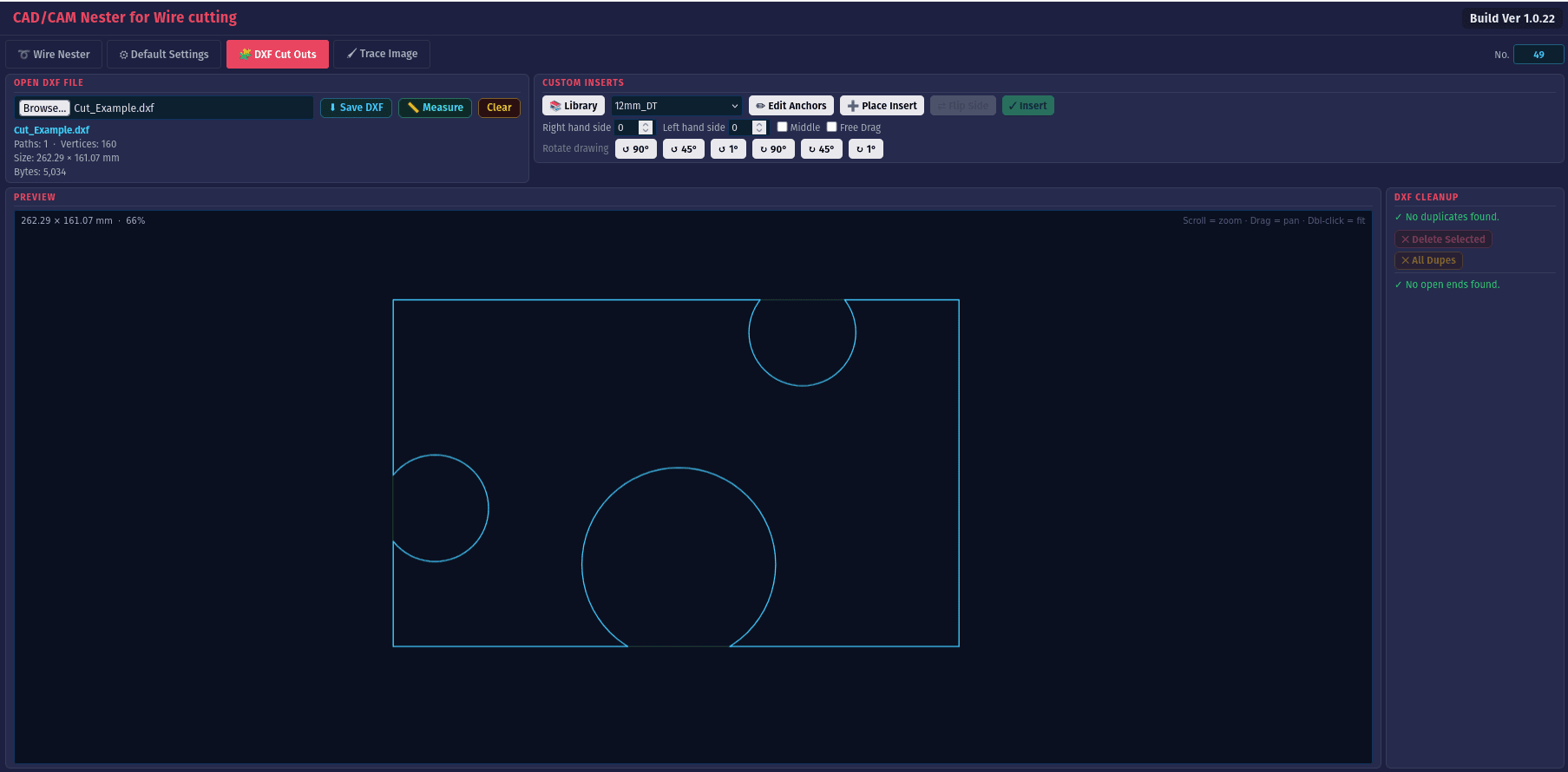
Keep a library of custom rib inserts for joining foam products, then select an insert from the library, place it, and cut it into your DXF in a few clicks.
DXF Viewer — check chained paths and open ends before you cut.
Built for makers and shops running hot-wire and CNC foam cutters.
Trace shapes over an image or drawing with lines, arcs and splines — then clean them up into cut-ready profiles.
Load DXF drawings and turn them into editable, chained paths ready to nest and cut.
Generate machine-ready g-code with post-processors for Mach3/4, LinuxCNC, GRBL, UCCNC and more.
Add vertical, horizontal, chop and U-parting cuts with direction, lead-in/out and ordering.
Define stepped leftover blocks so nesting respects the exact shape of the foam you have.
Per-part kerf offsets with fixed edges keep your finished sizes accurate to the wire.
Everything for wire and foam cutting under a single tab bar.
Nest all your parts onto the block with rotation, spacing and full cut-line control, then export g-code.
Trace easy profiles straight from a picture — drop in an image and draw cut-ready shapes over it.
Open and inspect DXF files, check chained paths and spot open ends before you cut.
Create an account and start cutting with less waste today.
Welcome back — log in to launch the app.
We ask purely for statistics — it helps us understand who uses FoamNester. It has no effect on your account, your price, or the features you get, and we never share or publish it.